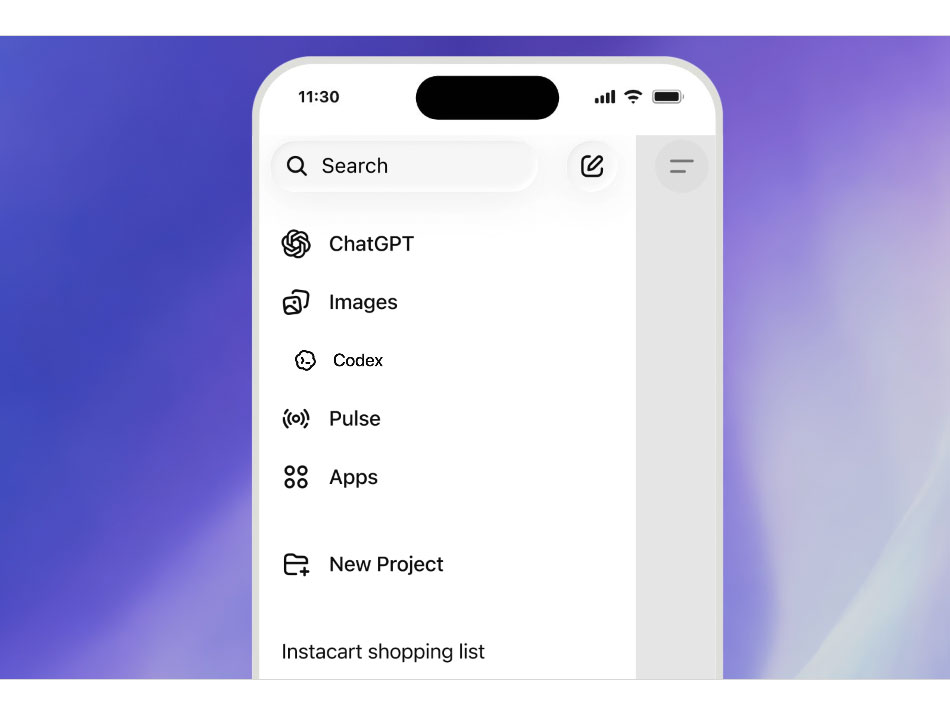
OpenAI Launches Codex in ChatGPT Mobile bringing remote coding features for Its 4M Weekly Users. Now developers can control coding agents running on Windows Desktop, Mac and Linux Desktop directly from their mobile phone. This is a great move in AI coding where users will be able to control their coding agents right from their mobile, making Codex available in their Pocket.
OpenAI Codex is not available in ChatGPT which allows developers to control coding agents from their mobile phones. Developers will be able to control agents from their mobile phone while agent agents continue running on their laptop, devbox, or remote environment. This is a preview release available for more than 4 million people who now use Codex every week.
This update allows developers to manage Codex workflows on their mobile phones while seamlessly switching between mobile and desktop environments. This is a great update for developers using AI coding agents.
Developers will be able to open Codex from the ChatGPT running app on a Mobile device and use the live state of work already being done on the remote desktop. So, it allows you to control AI coding agents running elsewhere.
Codex in ChatGPT mobile lets users:
- Review and verify the agent’s output
- Approve commands remotely
- Manage active work and tasks
- Able to switch models in the Agents
- Able start a new thread to accomplish more or new tasks
- Follow the progress of the work through screenshots and various output formats
This update secures the files, credentials and permissions as these sensitive information remains on the machine doing the work. So, there are no security issues while using Codex in ChatGPT mobile. The mobile phone works as a companion layer for the connected session.
Codex in the ChatGPT mobile still needs a human in the loop as it needs human decision to perform important tasks for example committing the code into git or refactoring the code. Human-in-the-loop processes require people to make decisions in specific scenarios before agents can continue their execution.
Bug investigation is another important use case. The agent can analyze relevant files, attempt to reproduce the issue in a browser, run tests, and start working on a potential fix. Users can step in whenever clarification, validation, or approval is required.
Codex in the ChatGPT rollout
OpenAI is rolling out Codex in ChatGPT mobile app in the preview on iOS and Android devices scroll all plans, which includes Free and Go as well. Developers need to update the app and the Code app on macOS to try this feature. Currently this feature is available for macOS while support for Codex app on Windows will come later.
For teams, the key mobile integration feature is seamless access across approved devices and environments. Once Codex is connected to a local or remote machine, authorized ChatGPT devices can securely access the active session through OpenAI’s relay infrastructure. This is also a good feature for developers working in a team on certain projects.
The Codex in ChatGPT is able to run remote SSH as well for connecting to the coding machine. Remote SSH is now generally available, providing teams with another secure method to connect the coding agent to managed environments that can be accessed from authorized ChatGPT devices.
Author

Related News